

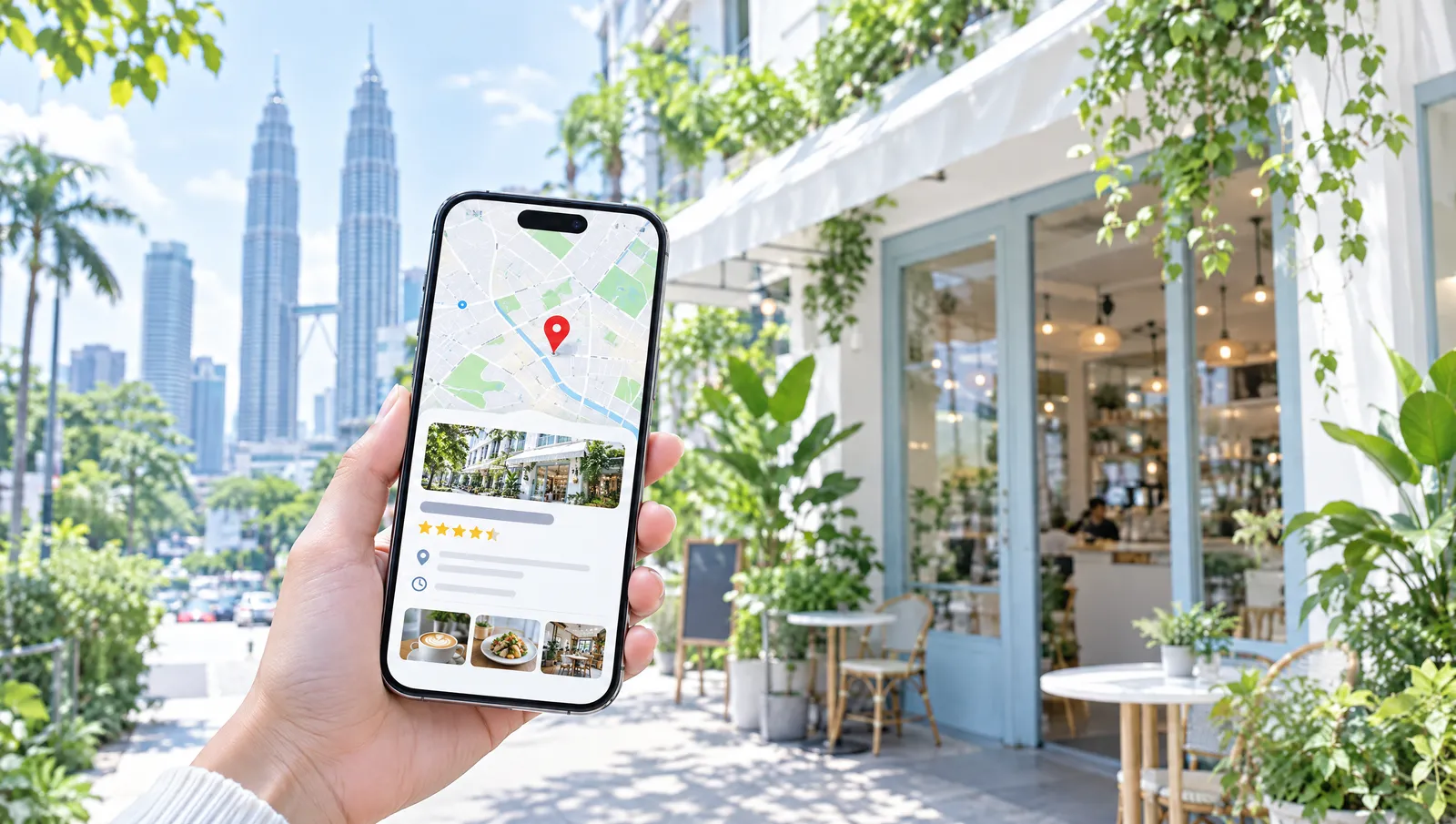
When someone searches "coffee near me" or "aircon service Petaling Jaya", Google shows a small map with three businesses at the top. Being in that list can bring calls and visits every day. The tool behind it is free: it is called a Google Business Profile.
Step 1: Create or claim your profile
Search for your business name on Google Maps. If it already appears, choose "Claim this business". If not, go to Google Business Profile and add it. Use your real business name, without extra keywords.
Step 2: Verify that you are the owner
Google will ask you to prove the business is yours, by phone, email, video or a postcard. Until you verify, you cannot fully manage the profile.
Step 3: Fill in everything
Profiles that are complete get shown more often. Make sure you add:
- The correct address and the area you serve
- Opening hours, including public holiday hours
- Phone number, WhatsApp and website link
- The right category (for example "Bakery", not just "Shop")
- A short description in plain words
Step 4: Add real photos
Add photos of your shopfront, so people can recognise it, plus your products, your team and the inside of your shop. Real photos work better than stock images. Add new ones every month.
Step 5: Ask for reviews and reply to them
Reviews are one of the strongest signals. After a good experience, simply ask: "Would you mind leaving us a Google review?" Share the review link on WhatsApp. Reply to every review, good or bad, politely and briefly.
Step 6: Keep it fresh
Post updates, offers and new photos. Update your hours before festive holidays. A profile that is cared for tells Google, and customers, that you are open and active.
Need a hand?
Local search is part of our SEO service. We can set up your profile, connect it to your website and help you get found nearby. Get in touch.